

Property Uploads for Government Housing & Land Releases
Government housing and land programs bring homes and lots to market across many sites and stages, often with many stakeholders watching. The information buyers and renters see needs to be accurate, consistent and up to date everywhere it appears.
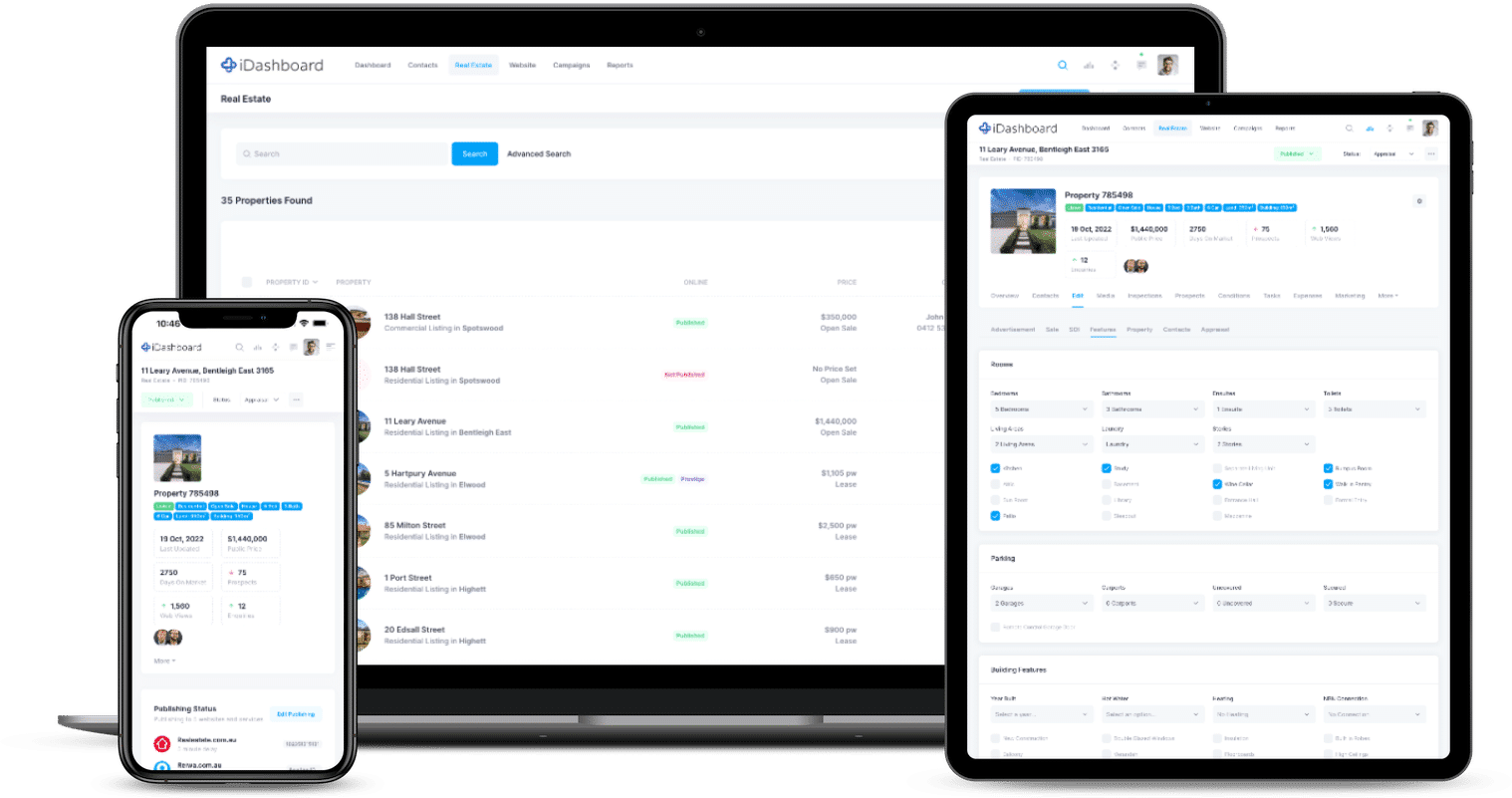
iDashboard gives your team one place to manage it. Load each home or lot once and we upload it to 82 supported websites and portals, including realestate.com.au, Domain, rent.com.au and your own website.
With the new Projects module, every release becomes one central record, with a complete change history, public or private documents, and its realestate.com.au Project ID selected from a managed list.
Built For Government Housing Programs
Everything you need to bring homes and land to market across many sites, with a clear record of every change.
Load Once, Upload Everywhere
Add a home or lot once and iDashboard sends it to every portal and website you choose.
Automatic Updates
When a listing changes, iDashboard pushes the update to your connected portals. There's no re-upload step.
Complete History
Every project records who created it, who changed it and when, from status changes to images, documents and property links.
Project <> Property Linking
Group every home or lot under its release and select the realestate.com.au Project ID from a managed list.
API & Webhooks
Project data is available through the iDashboard API, with webhooks to keep connected systems up to date.
Project Reporting
Portfolio, inventory and unassociated property reports show where every release stands.
realestate.com.au Project <> Property Linking
Across several releases and many sites, every listing has to point to the right realestate.com.au project profile. iDashboard keeps it in order.
- Your project profiles come to you. For agencies using supported realestate.com.au publishers, iDashboard retrieves your project profiles every hour, matched by your publisher codes, with a manual refresh whenever you need it.
- Pick from a list, don't type. Choose the right realestate.com.au Project ID for the release from a managed list. There are no copied IDs and no typos.
- Link each listing your way. Associate a listing with its release while creating or editing the listing, or straight from the project using a searchable selector.
- Updates follow automatically. When a listing's project association changes, iDashboard republishes the listing so connected portals receive the updated relationship.
- Matched through your agency's publisher codes
- Hourly background synchronisation, plus manual refresh
- Previously linked records are kept, even if a project profile later becomes unavailable or delisted
- One invalid publisher code won't stop your other project records from syncing
- Feed-specific rules control whether the listing's or the project's value takes priority when publishing
- The Unassociated Property Report shows any listing that still needs linking
How Government Housing Teams Use iDashboard
From the first release to the last home, here's where iDashboard helps.
Bringing a release to market
Create the project, set its type, status and stage, add documents and media, then load and link the homes or lots. The shared details are entered once and stay consistent everywhere.
A clear record of every change
The project history records creation, updates, status changes, image and document activity and property links, along with the user responsible for each one.
Many sites, one view
Each site is its own project. The Project Portfolio Summary shows status, stage and inventory across the whole program, and the Unassociated Property Report catches anything that isn't linked.
Every Kind of Housing Program
Projects supports the full range of development types, so one platform can cover land, homes and mixed developments.
Track each project through Upcoming, Active, On Hold, Sold Out, Completed and Archived, and through its stages, from Pre Development and Planning to Under Construction and Completed.

One Release, One Source of Truth
Each release has its own workspace in iDashboard, so staff, listings and connected systems all work from the same information.
- Development details: current release, total lots and levels, developer, builder, architect and key dates
- Location: street address, suburb, postcode and map coordinates, also available through the API
- Documents: store plans, specifications and information sheets as public or private
- Project agents: choose who represents each release, and in what order
- Complete history: a clear record of who changed what, and when
Reach Buyers and Renters Where They're Looking
iDashboard sends your homes and lots to the major portals, land and rental websites, and your own website, all from one listing.


Ready for Your Website & Systems
Each release has a simple Published or Not Published switch, separate from its status, so your website shows only the releases you choose.
Project details, agents, images, features, location and linked listings are available through the iDashboard API, with dedicated read-only and read/write permissions.
Connected applications can receive project.create, project.update and project.delete webhooks without needing to be property-publishing applications, so other systems can stay up to date when a release changes.
Frequently Asked Questions
Does iDashboard keep a record of changes?
Yes. Each project's history records creation, updates, status changes, image and document activity and property associations, along with the user responsible for each change.
Can we advertise both sales and rentals?
Yes. iDashboard supports every listing type and uploads to realestate.com.au, Domain, rent.com.au, Openlot.com.au and more. See all 82 supported websites and portals on our Bulk Uploads page.
Can project data feed our other systems?
Yes. Projects are available through the iDashboard API with dedicated read-only and read/write permissions, and connected applications can receive project webhooks.
How do homes and lots get linked to a realestate.com.au project?
Where the release has a realestate.com.au project profile, set its Project ID once by choosing it from your synchronised list. Then link homes and lots from the listing or from the project. When a link changes, iDashboard republishes the listing so the portals receive the update.
How do we get access to Projects?
Projects is enabled for agencies through iDashboard's feature management. Get in touch with our team on 1800 432 742 and we'll help you get set up.